
Accounting data migrations are often described as if the difficult part is moving rows from one system to another. In practice, the harder work is understanding what those rows mean, deciding how they should behave in Xero and proving that the result reconciles.
After working across many different source systems and migration structures, these are five practical truths worth knowing before a Xero migration starts.
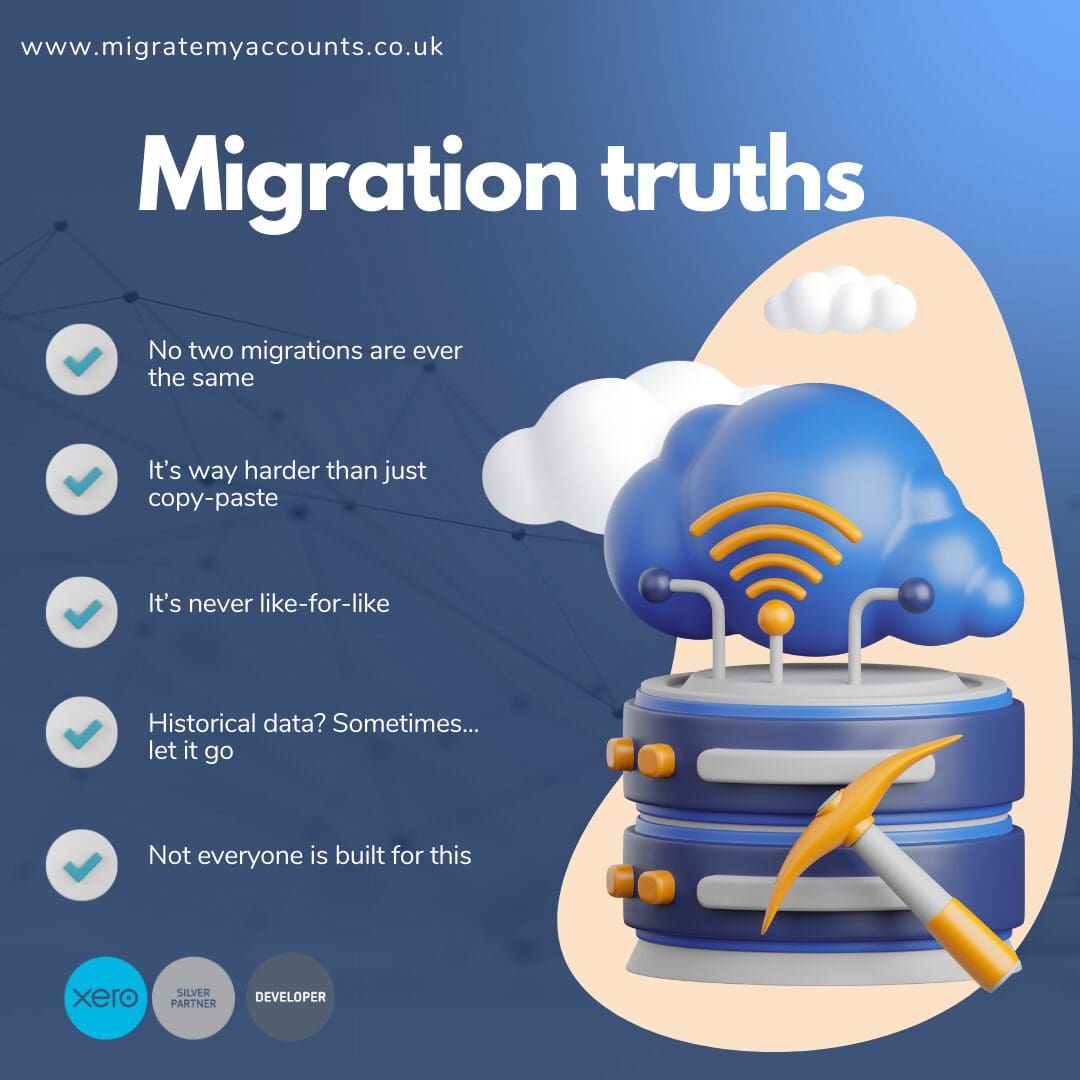
1. Two migrations with similar volumes can be completely different
Transaction count matters, but it does not tell the whole story. A smaller dataset can be more complicated than a larger one if it contains unusual VAT treatment, foreign currency, inconsistent contacts, complex allocations, multiple departments or historical corrections.
Scope should therefore consider structure and accounting behaviour as well as row count. The source system, number of entities, years of history, reporting dimensions and connected processes can all change the work required.
2. A successful import does not prove a successful migration
Files can load into Xero without the accounting result being correct. Mapping errors, duplicated contacts, missing allocations, incorrect tax treatment or control-account differences may only become visible when the destination is reconciled.
The important question is not simply “did it import?” but “can we demonstrate how the Xero position relates back to the agreed source evidence?”
3. Migration is rarely a perfect one-for-one copy
Sage 200, Access Dimensions, Business Central, Exchequer and other systems do not organise accounting data in exactly the same way as Xero. Departments and cost centres may need to become Tracking categories. Legacy account structures may need simplifying. Some operational modules may remain outside the accounting migration.
Good migration design preserves the accounting meaning without pretending the destination is identical to the source.
4. More historical data is not automatically better
Some businesses genuinely benefit from several years of detailed history in Xero. Others only need a defined period plus an opening position. The right scope depends on how the finance team uses comparatives, aged ledgers, VAT evidence, customer and supplier history and management reporting.
Historical data should be migrated because it has a purpose, not simply because it exists. Equally, choosing opening balances only should be a conscious decision made before go-live rather than a shortcut that is regretted later.
5. Reconciliation needs to be designed into the project
Reconciliation should not be something added at the end when differences appear. Before migration starts, establish which source reports will be used as control evidence and which destination reports will be compared to them.
Depending on scope, that can include the Trial Balance, aged receivables and payables, VAT or tax balances, bank positions, foreign currency and other material control accounts. Any exceptions should be understood and documented rather than hidden by balancing entries.
What to carry into your migration plan
- Agree the history and entities in scope before extraction.
- Understand how the source system stores the information you rely on.
- Design the Xero structure deliberately rather than copying legacy codes automatically.
- Use a trial migration where the project is complex enough to benefit from review.
- Define reconciliation evidence before the final import.
- Make exclusions explicit so everyone knows what will remain outside Xero.
The best migration projects are usually the least mysterious ones: the scope is clear, the transformations are explainable and the finance team can see why Xero agrees to the source.
Planning a historical migration to Xero?
Tell us the source system, years of history, entity count and any VAT, FX, tracking or restructuring requirements.