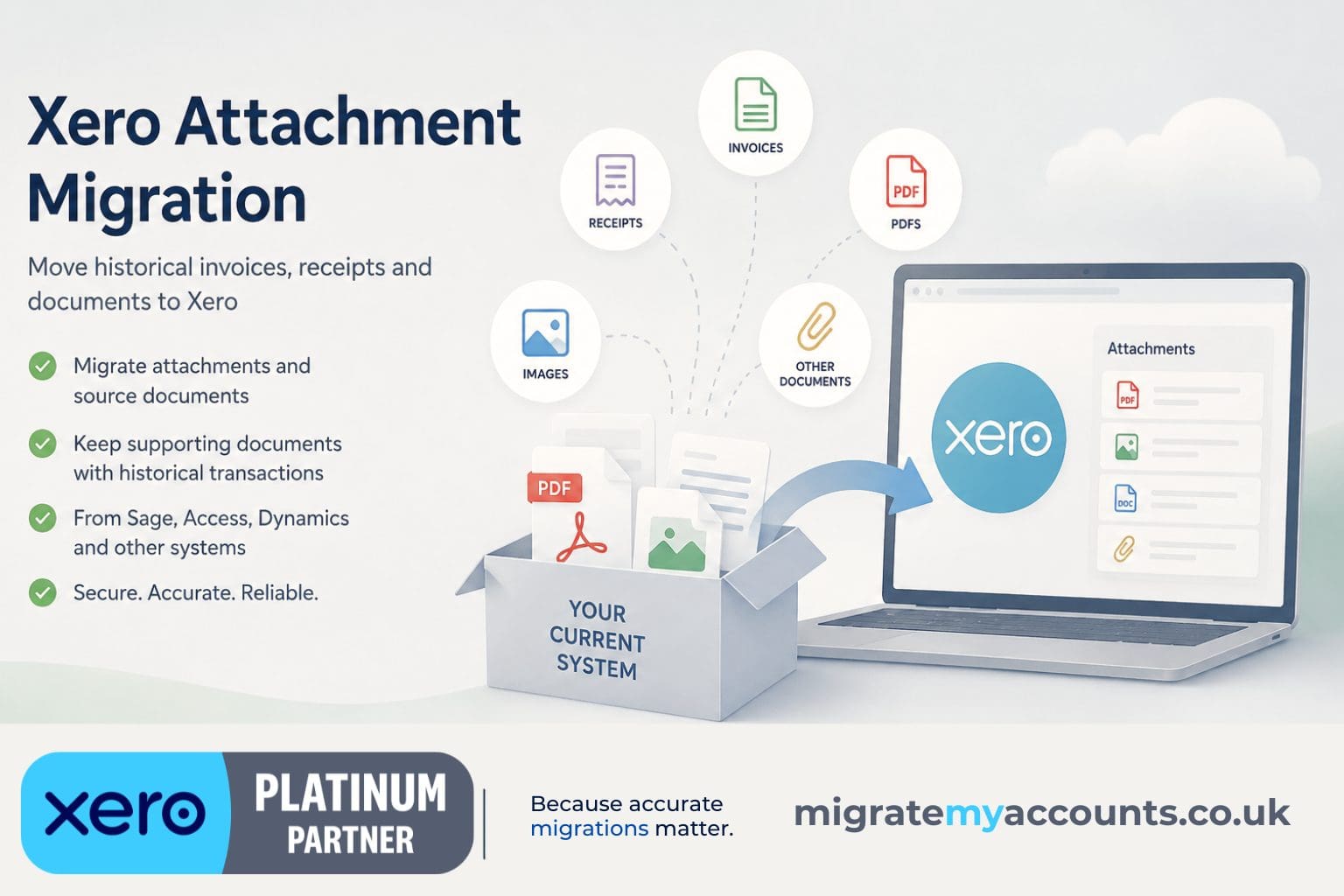
Xero Attachment Migration, Backup & Bulk Export
Move attachments into Xero, move them between Xero organisations, or extract them from Xero into a structured archive. The important part is preserving the relationship between each document and the accounting record it supports.
Attachment migration has to be scoped with the accounting data
Documents are not always stored in the same place as the transaction record. Some systems keep them in the accounting database, others use document stores, network folders or external platforms. Before confirming scope, we establish how the files can be extracted and what identifiers are available to match them back to transactions.
That is why attachment migration is more than copying a folder of PDFs into Xero.
Matching matters more than file count
The useful outcome is not simply that the files exist in Xero. Where possible, each document should be associated with the correct historical bill, invoice or transaction. We use available source identifiers and migration mappings to create that relationship, then validate the result.
Where a document cannot be matched reliably, we flag the exception rather than guessing.
Attachments can reduce reliance on the legacy system
For some businesses, one reason to retain the old accounting platform is access to historical source documents. Migrating appropriate attachments alongside transaction history can make the new Xero organisation a more complete working archive.
Whether this is worthwhile depends on document volumes, source accessibility, retention requirements and the practical cost of keeping the legacy environment available.
Not every source stores documents equally
Attachment feasibility varies by system and by how the client has used it. We therefore confirm the attachment route during discovery and price it separately where the extraction and matching work is material.
The accounting migration can still proceed even where only part of the historical document set is available.
Moving attachments between Xero organisations
Recreating accounting history in a new Xero organisation does not automatically recreate the supporting documents attached to the source transactions.
Where the transaction mapping is dependable, we can extract supported attachments from the source Xero organisation, map the source records to their migrated destination records and upload the files against the corresponding transactions in the new organisation.
This can be particularly useful in Xero-to-Xero migrations involving a change of base currency, restructuring or a move to a fresh Xero organisation.
As with any attachment project, validation matters. We retain a mapping or manifest so the result can be checked, and we identify exceptions rather than attaching a document to a transaction we cannot match confidently.
Need to get attachments out of Xero instead?
Sometimes the requirement is the opposite of an attachment migration. You may already have years of invoices, bills, receipts and supporting documents stored inside Xero and need an independent copy outside the organisation.
Downloading files individually may be practical when there are only a handful. It becomes a very different task when an organisation contains thousands of attachments across years of accounting transactions.
We can bulk extract supported Xero attachments and create a structured archive while retaining information about the transaction each document came from. The objective is not simply to produce a folder containing thousands of PDFs and images. It is to preserve the relationship between the document and the accounting record behind it.
This is a one-off extraction and archival service, not a continuous disaster-recovery or automated backup product.
From source document to the right Xero transaction.
The difficult part is not moving a folder of files. It is preserving a reliable relationship between each document and the accounting transaction it supports.
Locate
Establish whether documents sit inside the accounting system, a document store, network folders or another platform.
Extract
Confirm the available export route, file formats, volume and source identifiers.
Migrate transactions
Create the historical accounting records in Xero with the identifiers needed for matching.
Match
Use transaction IDs, invoice numbers, document references or migration mappings to associate files with the correct records.
Validate
Sample and reconcile the result, recording documents that cannot be matched reliably rather than guessing.
The attachment route depends on how the old system was used.
We have handled attachment requirements in migrations from systems including Access Dimensions and Access Financials, as well as projects where documents were held separately from the accounting database. The important question is whether the files and a dependable matching key can be extracted.
Useful matching information can include
- Source transaction or record IDs
- Invoice and credit note numbers
- Document references
- Supplier or customer references
- Migration mapping keys
When the source is incomplete
Missing files do not necessarily prevent the accounting migration. We can scope the available document set separately and identify exceptions where a file cannot be extracted or matched with sufficient confidence.
This keeps attachment work useful without pretending the historical archive is more complete than the source evidence allows.
Explore related migration expertise
Jump directly to the related service, guide or specialist topic.
Common questions.
Can you migrate attachments to Xero?
Often yes. Feasibility depends on how the source system stores documents and whether they can be matched reliably to the migrated transactions.
What document types can be included?
Common examples include supplier invoices, receipts, PDFs, images and other supporting files stored against accounting records.
Can you migrate thousands of documents?
Potentially, yes. Volume affects extraction, matching, validation and project scope.
What happens if some documents cannot be matched?
We identify exceptions rather than attaching a document to the wrong transaction.
Is attachment migration included automatically?
No. It is scoped when required because source systems and document-storage methods vary significantly.
Can you bulk download or export attachments from Xero?
Yes, where the required records and attachments can be accessed, we can scope a one-off bulk extraction rather than downloading files manually one transaction at a time. We can also retain transaction identifiers and other useful context in a structured manifest.
Can you create a backup of Xero attachments?
We can create a one-off structured archive of supported attachments held in Xero. This is an extraction and archival service rather than continuous automated disaster-recovery backup.
Can Xero attachments be migrated to another Xero organisation?
Potentially, yes. Where source and destination transactions can be mapped reliably, supported attachments can be extracted from the source organisation and associated with the corresponding records in the destination organisation.
Will the exported files still show which Xero transaction they came from?
That is the objective. Rather than returning an unexplained folder of files, we can retain useful source information such as transaction type, IDs, references, dates and export status in a manifest, depending on scope and available data.
Tell us whether you need attachments migrated into Xero, moved between Xero organisations or extracted into a structured archive.