
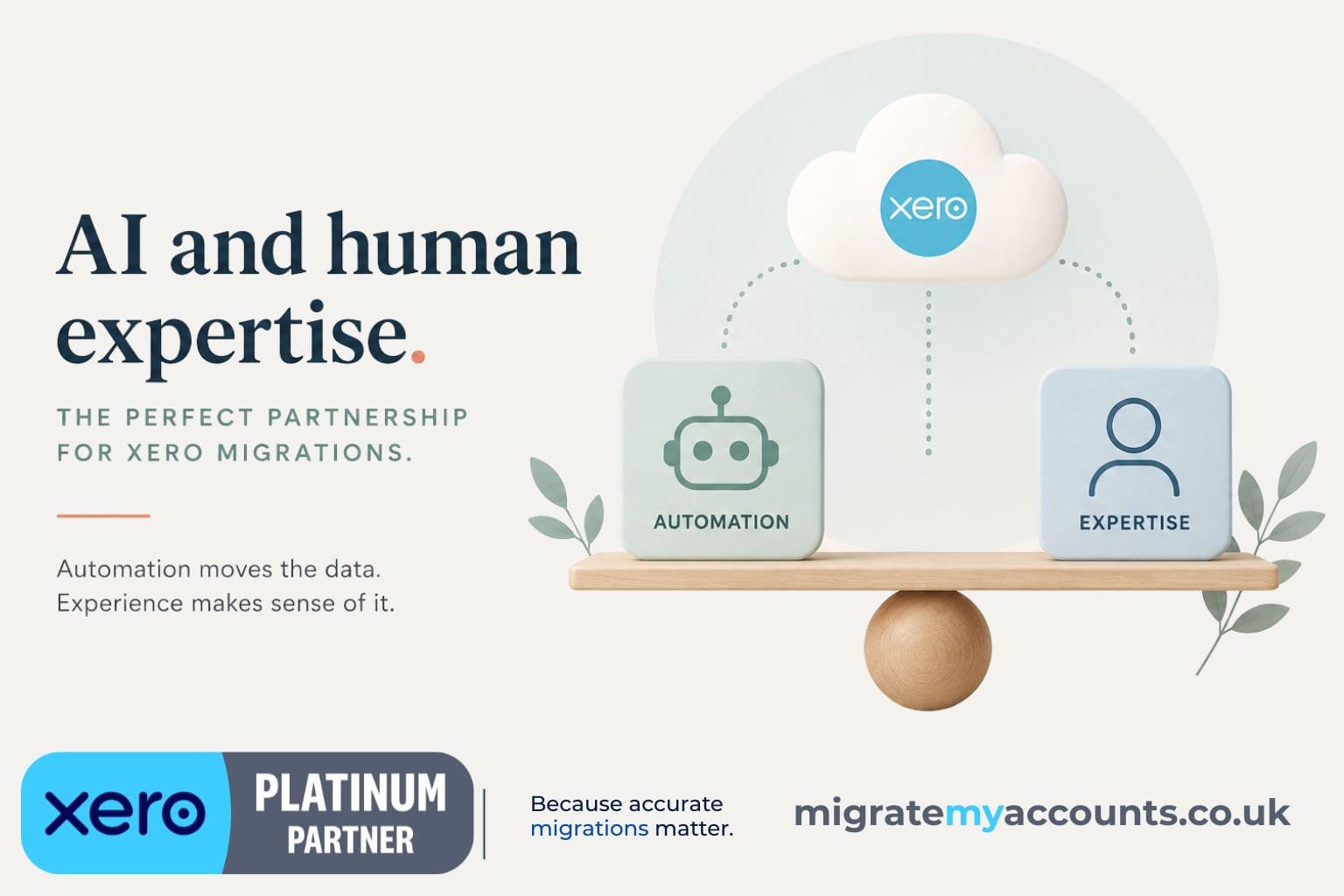
AI accounting migration is becoming an increasingly interesting topic as more accounting processes become automated.
And honestly, we're interested too.
We already automate many parts of our Xero migration processes. When you're dealing with hundreds of thousands, or sometimes millions, of transaction lines, automation isn't just useful. It's essential.
But there is an important difference between automating a data migration and allowing AI to make decisions about accounting data.
Because accounting data isn't always as logical as you might expect.
Sometimes, even a human looks at it and thinks:
How did this happen?
What is an AI accounting migration?
In simple terms, an AI or automated accounting migration uses technology to reduce the manual work involved in transferring financial data from one accounting system to another.
That could include:
- extracting data from the source accounting system
- identifying and mapping fields
- transforming data into the format required by Xero
- mapping Charts of Accounts
- identifying transaction types
- validating data
- importing large transaction volumes
- identifying possible discrepancies
These are exactly the areas where technology can make migrations considerably faster.
We use automation ourselves.
APIs, scripts and other automation tools allow us to process volumes of accounting data that would simply be impractical to migrate manually.
And we expect automation and AI to become an even bigger part of accounting data migration.
But that doesn't necessarily mean the entire migration can, or should, happen without human involvement.
What can be automated in a Xero migration?
Quite a lot.
If the source data is structured consistently and the rules are clear, automation is brilliant.
If Account 4000 in the old system needs to become Account 200 in Xero, that's a rule.
If Department A needs to become a Xero Tracking Category, that's another rule.
If 20,000 transactions follow exactly the same structure, technology can process those transactions far more efficiently than a human entering them individually.
The same applies to many repetitive migration processes.
The interesting part starts when the data doesn't follow the rules.
What happens when the accounting data doesn't make sense?
We recently wrote in more detail about what happens when accounting data is wrong before a Xero migration, because identifying the problem and deciding how to treat it are two very different things.
This is where historical accounting migrations can become complicated.
We've encountered source systems where:
- Trial Balances don't reconcile as expected
- debtor or creditor balances don't agree with aged reports
- transactions appear to contain incomplete double entries
- accounting periods don't correspond with transaction dates
- historical periods have been opened, closed, reopened or changed
- foreign currency transactions contain unusual exchange rates
- revaluations don't behave as expected
- transactions have been posted directly to control accounts
- the same accounting treatment has been applied inconsistently over several years
Sometimes the problem isn't obvious.
You investigate one discrepancy and discover another.
Then another.
Eventually you realise that the migration isn't creating the problem at all.
The migration has exposed something that already existed in the source accounting system.
That's where simply automating the movement of data becomes much more difficult.
Can AI decide what the accounting data was supposed to be?
This is the part that interests us most.
AI may be able to identify that something looks unusual.
It may become extremely good at recognising patterns, suggesting mappings and flagging transactions that don't behave like the rest of the dataset.
That could be incredibly useful.
But identifying an anomaly and deciding what should happen to it are two different things.
Imagine a historical balance doesn't reconcile.
Should the migration:
- reproduce the source system exactly?
- correct the apparent error?
- create an adjustment in Xero?
- leave the historical position untouched and flag it for the accountant?
- investigate whether Xero calculates the balance differently?
There isn't always one technically correct answer.
The appropriate treatment can depend on the accounting history, previously submitted information, the client's requirements and what the accountant wants the new system to represent.
That's not simply data mapping.
It's judgement.
Foreign currency makes automated migrations even more interesting
Foreign currency is one of our favourite examples because it can expose differences between accounting systems very quickly.
Different systems handle exchange rates and revaluations differently.
We've encountered historical transactions where exchange rates behave unexpectedly, base currency transactions contain rates you wouldn't expect, and revaluations create balances that cannot simply be reproduced in Xero using the same method.
An automated migration could potentially identify the discrepancy.
But someone still needs to understand why it exists.
Is the source transaction wrong?
Is the exchange rate unusual but intentional?
Has the old accounting system calculated a revaluation differently?
Will reproducing the transaction exactly create another problem in Xero?
These questions often require investigation rather than simply transformation.
ERP to Xero migrations add another layer
This becomes even more important when migrating from larger ERP systems to Xero.
ERP systems can contain years of configuration, custom nominal structures, departments, cost centres, projects, currencies and processes designed specifically around that business.
Moving that history into Xero isn't always a direct one-to-one conversion.
Some functionality may need restructuring.
Some historical treatments may need to be represented differently.
And occasionally we find things in ERP databases that initially make very little sense to anyone.
This is where migration experience becomes particularly valuable.
We've seen enough unusual accounting data over the years to know that the first explanation isn't always the correct one.
Sometimes you have to keep digging.
Automated migration doesn't mean unchecked migration
This distinction is important.
We're very much in favour of migration automation.
In fact, we actively look for ways to automate more of our own processes.
If technology can process 100,000 repetitive transactions accurately while we concentrate on reconciliation, exceptions and unusual data, that's exactly where we want technology helping us.
But we don't believe automation should remove validation.
A successful migration isn't simply:
Did the data import?
It should also ask:
Does the migrated data make sense?
Does it reconcile?
Can we explain the differences?
Does the new Xero organisation represent the agreed accounting position?
Those questions become particularly important with complex historical migrations.
Will AI replace Xero migration specialists?
AI will almost certainly change what migration specialists do.
And that's a good thing.
We expect technology to become better at data extraction, transformation, mapping, anomaly detection, reconciliation and validation.
That should reduce repetitive work and allow migration specialists to concentrate more heavily on the difficult cases.
But historical accounting data has a habit of producing situations nobody anticipated.
Especially when several years of data, multiple currencies, ERP configurations and historical accounting decisions are involved.
Those situations require patience, investigation, accounting knowledge and sometimes a slightly unreasonable determination to discover why £17.42 refuses to reconcile.
We suspect that part of the job will remain human for a little while longer.
The future is probably AI-assisted migration
For us, the future isn't AI migration versus human migration.
It's a combination of both.
Use automation where the rules are clear.
Use AI to help identify patterns, exceptions and potential problems.
Use APIs and technology to process large transaction volumes efficiently.
And use experienced people to investigate the things that don't make sense.
Because moving accounting data is relatively easy.
Understanding what you're moving is the difficult part.
And sometimes, before you can migrate the data, you first have to work out what on earth happened to it.
Planning a complex migration to Xero?
Automation can make a migration faster. Experience helps when the data doesn't behave the way it should.
At Migrate My Accounts, we combine specialist migration processes, APIs and automation with hands-on reconciliation and human review.
We work with straightforward migrations, but we particularly enjoy the complicated ones: historical data, multiple entities, foreign currencies, unusual ERP structures and those transactions that require a little more investigation before anyone can explain what happened.
If you're considering a move to Xero and aren't sure whether your data is suitable for an automated migration, talk to us about your migration.
We'll help you understand the complexity of the data, the migration options available and where specialist intervention may be required.
Considering Xero as part of a wider systems change?
We can help separate useful product developments from the practical migration decisions around history, structure and reconciliation.